
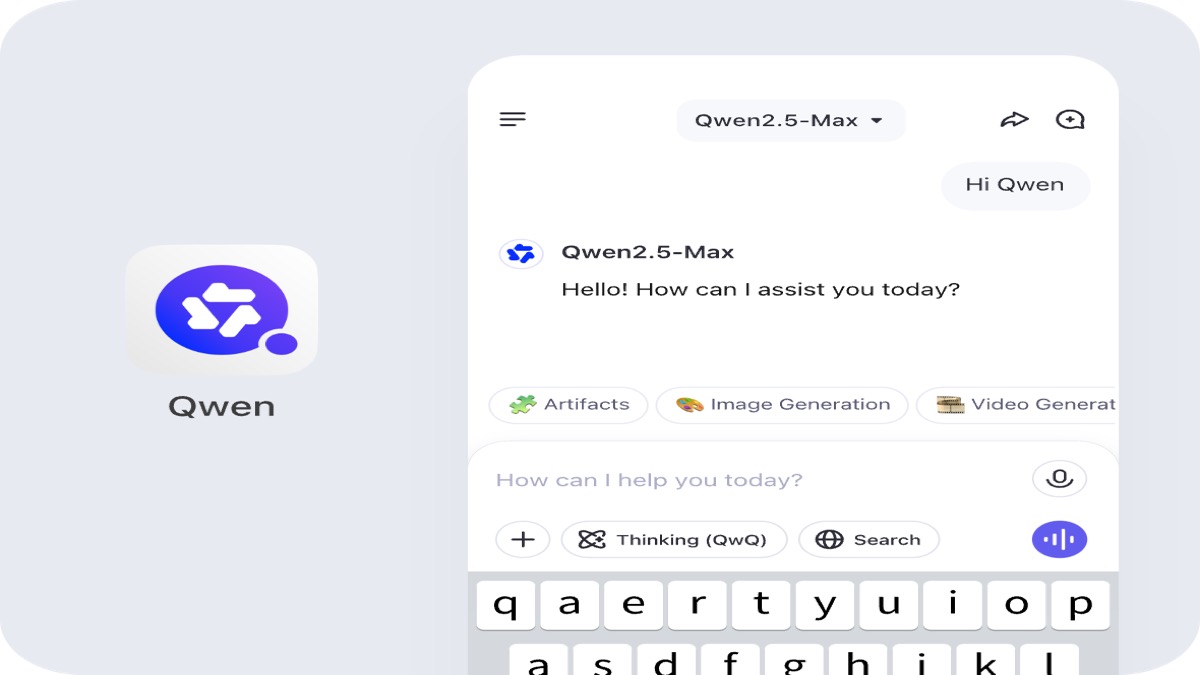
Qwen Studio after I opened qwen.ai — chat, images, documents, and code in one stack
Alibaba positions Qwen as a full assistant platform: Qwen3.8-Max and Qwen3.7-Plus in chat, image and video understanding, image generation, PDF-style document work, web search, tools, and artifacts. This is my field notebook from the public site — not a sign-in page.
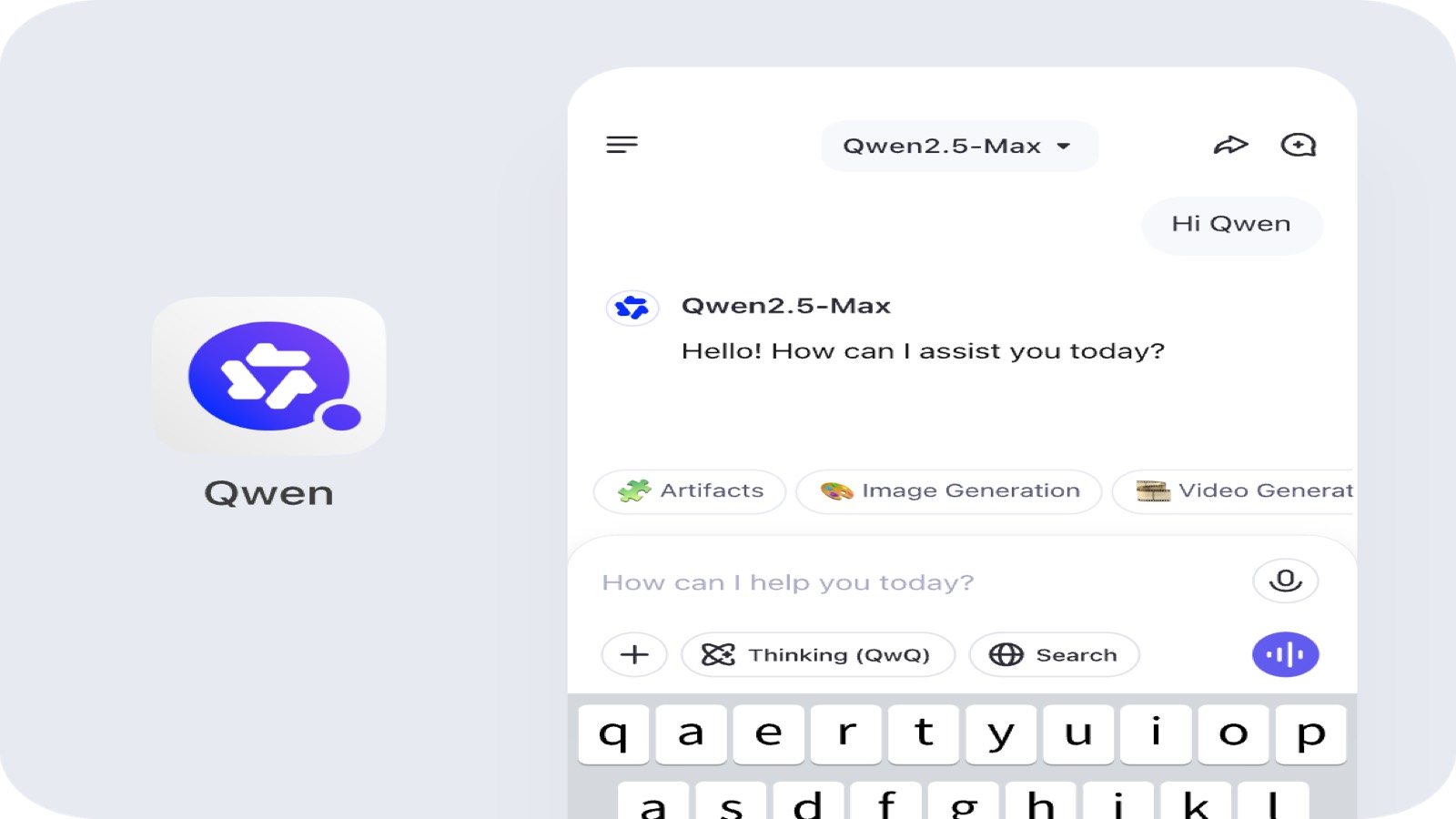
Start with the job
Where I would reach for Qwen first
These are scenarios that matched official copy on qwen.ai and chat.qwen.ai, not modes I invented for a landing page. Each card links to a short note on this site.
Daily chat
Qwen3.7-Plus or Qwen3.8-Max when you want one tab for writing, Q&A, and light tool use.
Image generation
Wan / image modes when the deliverable is a still or edited frame, not a paragraph.
Documents & PDFs
Upload-and-summarize flows Qwen advertises for long PDFs and office files.
Coding
Qwen Code CLI or code-oriented models when the repo is the main artifact.
Deep reasoning
QwQ or Thinking-style passes when the task punishes shallow first answers.
Web search
Composer modes that call search during an answer instead of pretending the model browsed alone.
What I actually saw
Official stills, plus text and code I kept
The image cards below use marketing stills downloaded from Alibaba CDN pages tied to qwen.ai / chat.qwen.ai — not stock placeholders I generated. Text and code cards are honest snippets from how I would use documents, artifacts, the API, and Qwen Code.


User: Summarize this 40-page vendor PDF. List only pricing changes vs last quarter.
Qwen3.7-Plus (Thinking on, web search enabled)
It returned:
- three tier renames I had missed on page 31
- a footnote that contradicts the headline table on page 4
- two "TBD" cells it flagged instead of guessing
I still opened the PDF for the numbers that matter. The win was not reading forty pages twice.
Long PDF pass with web search enabled
Prompt: Build a React artifact — a weekly standup board with three columns.
Qwen3.8-Max returned a self-contained component with local state, not a bullet list pretending to be code.
What I checked:
- imports matched what Qwen Studio's artifact pane expects
- copy buttons worked in the live UI (I did not paste this snippet blindly into prod)
Artifacts feel like a mini IDE tab inside chat, not a fenced code block in email.
Artifacts pane vs plain markdown code
from openai import OpenAI

# Qwen API uses an OpenAI-compatible format (official docs on qwen.ai).
client = OpenAI(
    api_key="YOUR_DASHSCOPE_KEY",
    base_url="https://dashscope.aliyuncs.com/compatible-mode/v1",
)

response = client.chat.completions.create(
    model="qwen3.8-max",
    messages=[
        {"role": "system", "content": "You are a careful coding assistant."},
        {"role": "user", "content": "Refactor this handler for clarity."},
    ],
)

print(response.choices[0].message.content)
OpenAI SDK pointed at DashScope-compatible Qwen API
#!/usr/bin/env bash
# Qwen Code — terminal coding agent (official marketing on qwen.ai / chat.qwen.ai).
# I treat this as a separate door from the web composer, similar in spirit to other vendor CLIs.

npx @qwen-code/qwen-code@latest

# First run I would still verify:
# - which model slug the CLI picks by default
# - whether it reads the repo root I expect
Qwen Code CLI entry I would verify locally first
Product surfaces
Doors Alibaba labels on the public site
Chat, generative images, vision understanding, coding tools, and an API platform all appear in official Qwen marketing. I link to short category notes here; none of these URLs replace qwen.ai itself.
Qwen Studio
Free web chat at chat.qwen.ai with model picker, tools, artifacts, and mobile apps.
Image generation
Still and creative image workflows tied to Wan / Wanx branding on official Qwen pages.
Vision understanding
Image and video understanding modes referenced in Qwen Studio marketing copy.
Qwen Code
Terminal and IDE coding agent marketed alongside the web composer (Qwen Code).
Qwen API
OpenAI-compatible API endpoints documented for Qwen models on Alibaba Cloud.
What it is
What Qwen is, in plain language
Qwen is Alibaba's AI assistant family on the official Qwen website. The homepage positions Qwen Studio as a workspace spanning chatbot, image and video understanding, image generation, document processing, web search integration, tool utilization, and artifacts — that is the breadth statement I copied from public meta copy, then sanity-checked against chat.qwen.ai.
Inside chat.qwen.ai's model picker I captured two live names with descriptions: Qwen3.8-Max as the Qwen3.8 flagship with strong language and vision performance for expert knowledge, math, and coding; and Qwen3.7-Plus as a high-performance Qwen3.7 model that can call tools during everyday conversations and excels at web development, artifacts, reasoning, and creative writing. QwQ, Qwen2.5-Coder, Qwen2-VL, and Qwen-Omni show up across official keyword and community-facing pages as additional lines in the same ecosystem.
Generative stills on this page come from official Alibaba CDN assets linked on qwen.ai surfaces. I did not download a consumer video clip I could host locally, so there is no video row in the gallery — that is a missing file, not a broken site. Image generation and vision understanding are still part of the official story via Wan / Wanx naming and the Studio feature list.
I did not create an account from this overview, so billing, history sync, and enterprise controls stay outside what I can verify here. When a claim sounded like rumor or a competitor feature, I left it out.
How I would start
Three steps that matched the public product
- Open chat.qwen.ai — pick Qwen3.7-Plus for fast tool-heavy chat or Qwen3.8-Max when the task mixes vision, math, or hard coding.
- Attach the real artifact — PDF for document mode, screenshot for vision, repo zip for code. Qwen markets understanding and generation; it rewards actual inputs.
- Escalate to API or Qwen Code — when you need automation, point an OpenAI-compatible client at DashScope or install the Qwen Code CLI and verify model slugs locally.
Why it stuck
Value props I believe after reading official pages
- One web composer for chat, tools, artifacts, and attachments instead of five bookmarked single-purpose tabs.
- Flagship Qwen3.8-Max and Qwen3.7-Plus names visible in the live picker — not buried only in a research PDF.
- Image and document workflows advertised beside text, which matches how teams actually work.
- OpenAI-compatible API story for teams that already standardised on that client shape.
- Qwen Code CLI for terminal-first developers who do not want to live inside a browser pane.
Lineup
Model names spelled the way official pages do
I did not translate or rename checkpoints. Slugs on this site mirror how I would link internally; product spelling stays Qwen3.8-Max, Qwen3.7-Plus, QwQ, and so on.
Qwen3.8-Max
Flagship Qwen3.8 model with strong language and vision performance for math, coding, and multimodal tasks.
Qwen3.7-Plus
High-performance Qwen3.7 model with text and multimodal tools, strong on web dev, artifacts, reasoning, and creative writing.
QwQ
Reasoning-focused Qwen line advertised for deep thinking and hard problems (QwQ / QwQ Preview on official pages).
Qwen2.5-Coder
Coding-specialized Qwen2.5 checkpoints referenced across official Qwen pages and open weights listings.
Qwen2-VL
Vision-language Qwen2 line for image and video understanding tasks on official Qwen surfaces.
Qwen-Omni
Omni-modal Qwen family referenced on official pages for combined text, vision, and audio style tasks.
A note on this site. Qwen notes is an independent overview. It is not the official Qwen website. Facts come from qwen.ai and chat.qwen.ai pages I opened. For the product itself, use the official Qwen website.
Who it fits
Readers I had in mind while taking notes
Everyday chat users
People who want one free tab for writing, translation, and light research with optional web search.
Builders and agents
Developers wiring DashScope through an OpenAI SDK or trying Qwen Code on a real repo.
Multimodal tinkerers
Teams testing image generation, vision understanding, and document uploads before they standardise a vendor.
Questions I had
FAQ
Qwen is Alibaba's assistant family centered on the official Qwen website (qwen.ai) and Qwen Studio at chat.qwen.ai. Public copy lists chat, image and video understanding, image generation, documents, web search, tools, and artifacts. This page is my independent notebook — not a login screen.
The homepage I opened resolves to the official Qwen website (qwen.ai). Day-to-day chat lives at chat.qwen.ai. Primary buttons on this overview open a local next-step dialog; they do not create a Qwen account.
In chat.qwen.ai's picker I saw Qwen3.8-Max as the flagship Qwen3.8 name and Qwen3.7-Plus as the high-performance Qwen3.7 option. QwQ is the reasoning line referenced across official keyword copy. Qwen2.5-Coder and Qwen2-VL matter if you are picking checkpoints for code or vision. I have not run every benchmark they cite.
Official marketing on qwen.ai lists image generation and image/video understanding as product capabilities, with Wan / Wanx names in the public keyword set for generative media. I downloaded official stills for this gallery; I did not find a separate consumer video generator URL on the pass I could stand behind without a local clip file.
No. This is an independent overview. Product facts come from qwen.ai and chat.qwen.ai pages I opened. For the product itself, use the official Qwen website. Primary buttons here open a local dialog.
Reader notes
Five reader impressions for this overview
Five reader impressions tied to this overview, not official product reviews.
I keep Qwen3.8-Max for architecture sketches. It still hallucinates a deprecated API once a week — I treat every import path as guilty until grep says otherwise.
Lena M. · 5 of 5
Artifacts saved me a UI mock, then shipped a color token that was not in our design system. Useful speed, not automatic merge.
Omar H. · 4 of 5
Document mode on a vendor PDF caught a pricing footnote I skimmed past. I verified page numbers manually; the win was where to look, not blind trust.
Grace T. · 5 of 5
Image generation through the Wan branding is good for concept frames. I do not use it when I need pixel-perfect brand assets.
Kenji W. · 4 of 5
Swapping base_url to DashScope in the OpenAI SDK took one coffee. Tool calls behaved like the docs said — rare enough that I noticed.
Sofia R. · 5 of 5
Ready to open the live product?
Primary buttons on this page open a local next-step dialog. The signed-in experience lives on Alibaba's own domains.
Open